Automated Recurring Billing: 13 Ways to Reduce Churn
Written by InvoiceBerry Team on October 14, 2025
Cash flow predictability is key to running a smooth business. When your customers can pay you easily and on time, you avoid jarring surprises and late payments.
But when they have billing problems? Customers get tempted to leave.
Try our online invoicing software for free
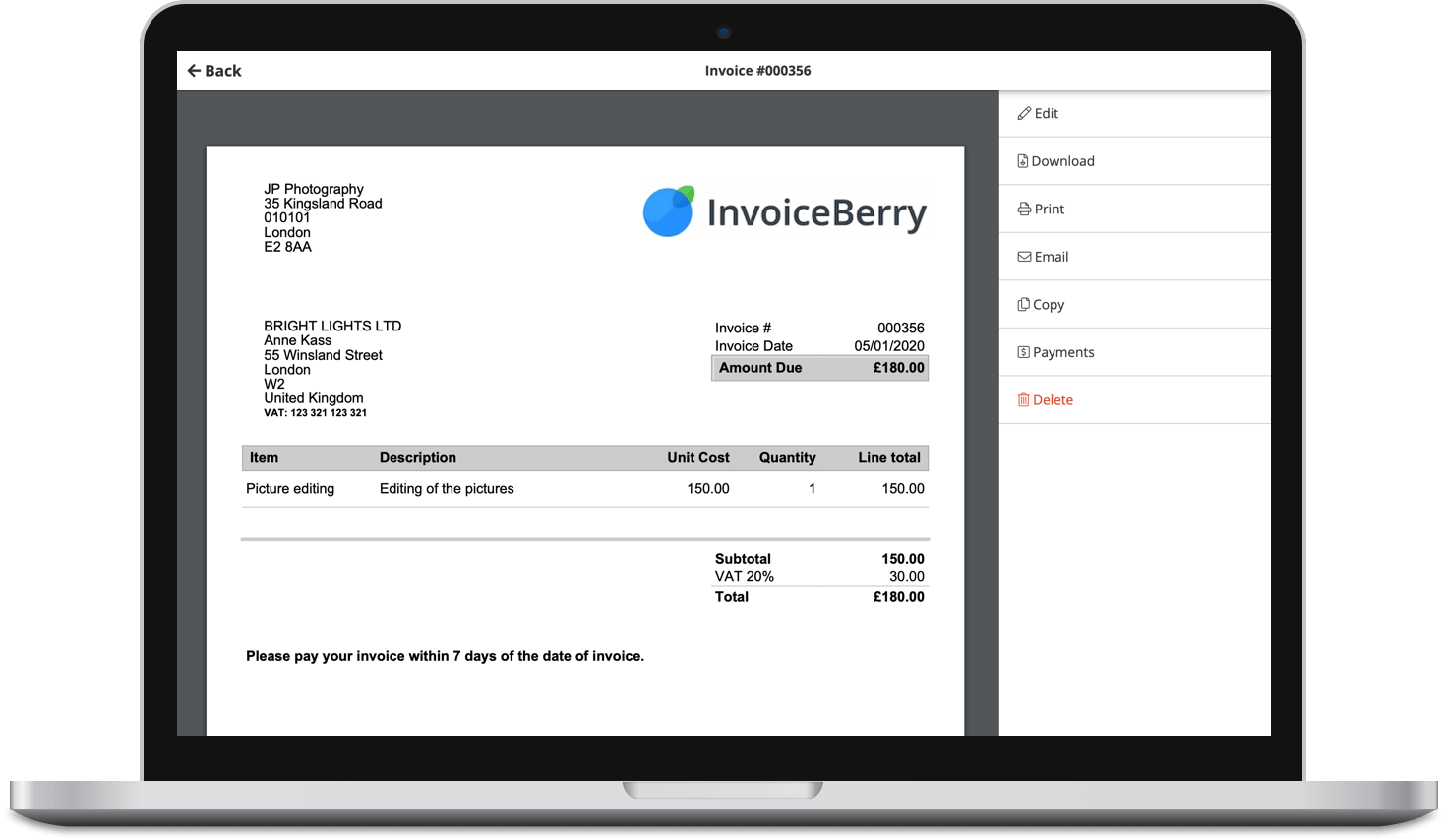
Accept online payments with ease
Keep track of who's paid you
Start sending invoices
And you don’t want that.
You want fewer cancellations and happier customers for as long as possible.
That’s why we recommend using automated recurring billing to keep your payments flowing without the hassle. In this article, we’re sharing why automated recurring billing works and 13 best practices to keep your customers on board for the long haul.
Why Use Automated Recurring Billing?
Billing issues (like failed payments, confusion, or rigid rules) can push customers away.
Automated recurring billing solves these problems by making payments simple and consistent. It creates a more efficient user experience and takes the pressure off customers to remember due dates.

You might offer automated recurring billing if you’d like to:
- Let customers pick billing dates, downgrade, or pause plans without hassle.
- Send pre-bill payment reminders and usage summaries that build trust.
- Regularly audit your billing system to identify and address revenue leaks promptly.
Recurring billing that’s automated also helps you handle more complex payment needs.
Let’s say you work with healthcare facilities that house travel nurses. In this case, you might need a billing system that can automatically cover housing stipends for travel nurses, extended stays, and utilities.
Automated recurring billing helps avoid confusion by making these charges clear and payment updates simple. That keeps your customers happy—and far less likely to cancel.
13 Best Automated Recurring Billing Practices to Reduce Churn
Ready to keep customers longer? Here are 13 smart billing rules you can start implementing:
1. Schedule Pre-Bill Reminders Well in Advance
Send clear, friendly reminders three to seven days before charging your customers. Include the amount due, the date, and a link to manage their subscription billing.
These reminders lower surprises and build trust. Your customers will appreciate the heads-up.
2. Implement Smart Retry Rules for Failed Payments
When payments fail, don’t spam customers with daily retries. Instead, try again after one, three, and five days. This gives customers time to fix issues without feeling annoyed. It also enhances payment recovery, which maintains a strong cash flow.
*Be kind when sending a heads-up about failed payments. Some companies get aggressive in their communications about this, which can quickly put off a customer.
3. Use Reliable Hosting to Prevent Downtime
Prevent downtime-related payment problems by using high-quality website hosting services. When your billing platform stays up, payments run smoothly, and customers stay happy.

4. Use Multiple Channels for Dunning Alerts
Don’t rely solely on email to alert customers about failed payments. Add SMS, push notifications, and in-app messages to reach them faster. (But again, be kind — never annoying or pushy!)
Try these nudges across your channels:
Subject: “Quick heads-up: Hiccup with your recent payment”
Body:
“Hi [Name],
It looks like your last payment didn’t go through. No worries — it happens! You can update your payment info here: [link].
Thanks so much for taking care of it!
Best,
[Rep’s first name]
[Company name]”
SMS
“Hi [Name], just a quick note: Your last payment didn’t go through. You can update it here though: [short link]. Thanks so much!”
Push Notification
“Heads up! We couldn’t process your recent payment. Tap to update your info now, it’s easy! :)”
In-App Message
“Looks like there was a hiccup with your payment, [Name]. Update your info now to keep your account running smoothly.”
5. Simplify Payment Updates Without Login Barriers
Make it easy for customers to update their payment info by providing secure links that don’t require logging in. This reduces friction, speeds up payment recovery, and encourages customers to continue making payments.
6. Give Accurate Quotes From the Start
Use quoting software to provide clear, accurate quotes that accurately reflect the costs customers will incur. (Some quoting tools connect with your billing and CRM systems so you can quote near-perfect prices.)
You can also set renewal terms and convert quotes into subscription billing automatically.
For example, InvoiceBerry lets you create professional quotes with your logo and brand colors.

➜ When clients accept, you convert the quote into an invoice with one click. It also tracks payments and automates recurring invoices.
You can also simplify your approval process by integrating eSignature tools directly into your billing workflow. Instead of waiting for clients to print, sign, and scan contracts or quotes, digital signing lets them approve documents instantly, even from their phone. This speeds up onboarding, reduces friction, and helps you secure payments faster
This makes billing clear and smooth for you and your customers. Want to check it out? Try it for free now.
7. Offer a Fair Grace Period Before Suspending Service
Give customers three to seven days to fix payment issues. For loyal or high-value customers, consider even longer grace periods.
This shows you value their business and reduces needless cancellations.
8. Let Customers Choose Their Billing Date
Allow customers to select their billing date upfront or in their account settings. You never know what cash flow parameters they have to factor in, so being flexible can help keep them around.
9. Deliver Detailed Usage and Value Reports Regularly
Send monthly or quarterly summaries that clearly show customers what they received and demonstrate a clear return on investment (ROI). (Highlight how many hours they saved, services they used, or results they achieved.) Showing value reminds customers why they initially signed up.
10. Localize Pricing and Invoices by Currency
Automatically detect your customer’s location and show prices in their local currency.
This is key to reducing confusion, billing disputes, and improving the customer experience.
InvoiceBerry, for instance, allows you to send invoices in over 200 currencies. You can also set a preferred language and currency per client. (It automatically uses the right settings for recurring invoices to make the billing experience smoother and more tailored to your customers.)
11. Conduct Quarterly Audits of Your Billing System
Use the continuous security validation model to test your billing and payment systems regularly. It helps you identify weak spots and threats before they lead to fraud or data breaches.

➜ Check retry schedules, cancellation flows, payment gateway performance, and how well your communications work. Address any issues you encounter as promptly as possible.
12. Combine Automation and Integrations
Use your billing software’s API along with CRM and email marketing tools to automate workflows and track results.
They’ll help you reduce manual work and keep your billing processes efficient. You can also integrate AI agents with CRM systems to simplify operations and improve customer interactions.
For example:
- When a customer completes a free trial, your system can automatically upgrade them to a paid plan, send a welcome email, and update their subscription status in your CRM. All without you lifting a finger.
- When a customer updates their credit card in your billing system, your CRM can log that automatically and trigger a “payment confirmed” email.
- If a payment fails, your dunning tool can immediately send a reminder via SMS, and your team can get a Slack alert.
Before setting up automations, conduct a billing audit to identify areas where you can save time, close gaps, or enhance the customer experience. Automations work best when they’re solving the right problems, so map out your biggest billing pain points first and fix those.
13. Keep Payment Options Flexible and Up to Date
Offer various payment methods like credit cards, bank account payments, and payment links.
Make sure your billing system can handle these smoothly to avoid payment failures.
Wrap Up
Automated recurring billing is a crucial tool for businesses offering subscriptions of any kind. It helps you predict cash flow, reduce payment failures, and enhance the overall customer experience.
To reduce churn and maintain customer loyalty, follow the best practices outlined in this guide. Your customers will thank you, and your recurring revenue stream will show it, too.
Here’s a quick recap of the tips we covered in this article:
- Schedule pre-bill reminders well in advance
- Implement smart retry rules for failed payments
- Use reliable hosting to prevent downtime
- Use multiple channels for dunning alerts
- Simplify payment updates without login barriers
- Give accurate quotes from the start
- Offer a fair grace period before suspending service
- Let customers choose their billing date
- Deliver detailed usage and value reports regularly
- Localize pricing and invoices by currency
- Conduct quarterly audits of your billing system
- Combine automation and integrations
- Keep payment options flexible and up to date
PS: Want to see how InvoiceBerry can help with automatic payments? Try it out for free now.
FAQs
1. What is automated recurring billing?
Automated recurring billing is a system that charges customers automatically on a predetermined schedule, such as monthly or yearly, without requiring manual invoicing.
2. How does automated billing improve cash flow?
Automated recurring billing encourages on-time me payments, reduces delays, and maintains a steady revenue stream.
3. What types of recurring billing models exist?
Common types of recurring billing include fixed billing (same amount each time), usage-based billing (based on use), and tiered pricing billing.
4. What features should effective recurring billing software include?
Features for effective recurring billing software should include: Automated retries, customizable billing cycles, customer self-service, usage tracking, and integrations with CRMs or accounting tools.
5. How can you recover failed payments with dunning?
You can recover failed payments with dunning by using smart retry schedules, sending alerts through multiple channels, and making it easy for customers to update their payment information.
Small Business Finance 101
Download our free guide to learn the fundamentals of finance that will help make your small business more efficient and successful.