
Small businesses rarely overspend on software because they are careless. More often, they overspend because each purchase makes sense on its own.
A project tool gets added when email starts to feel messy. A separate scheduler solves a booking headache. A team chat app feels necessary once work picks up. Then an invoicing tool, a bookkeeping platform, a CRM, an e-signature app, a form builder, and a few automations quietly join the stack. None of them look outrageous on a monthly basis, but together they can become a serious fixed cost.
Try our online invoicing software for free

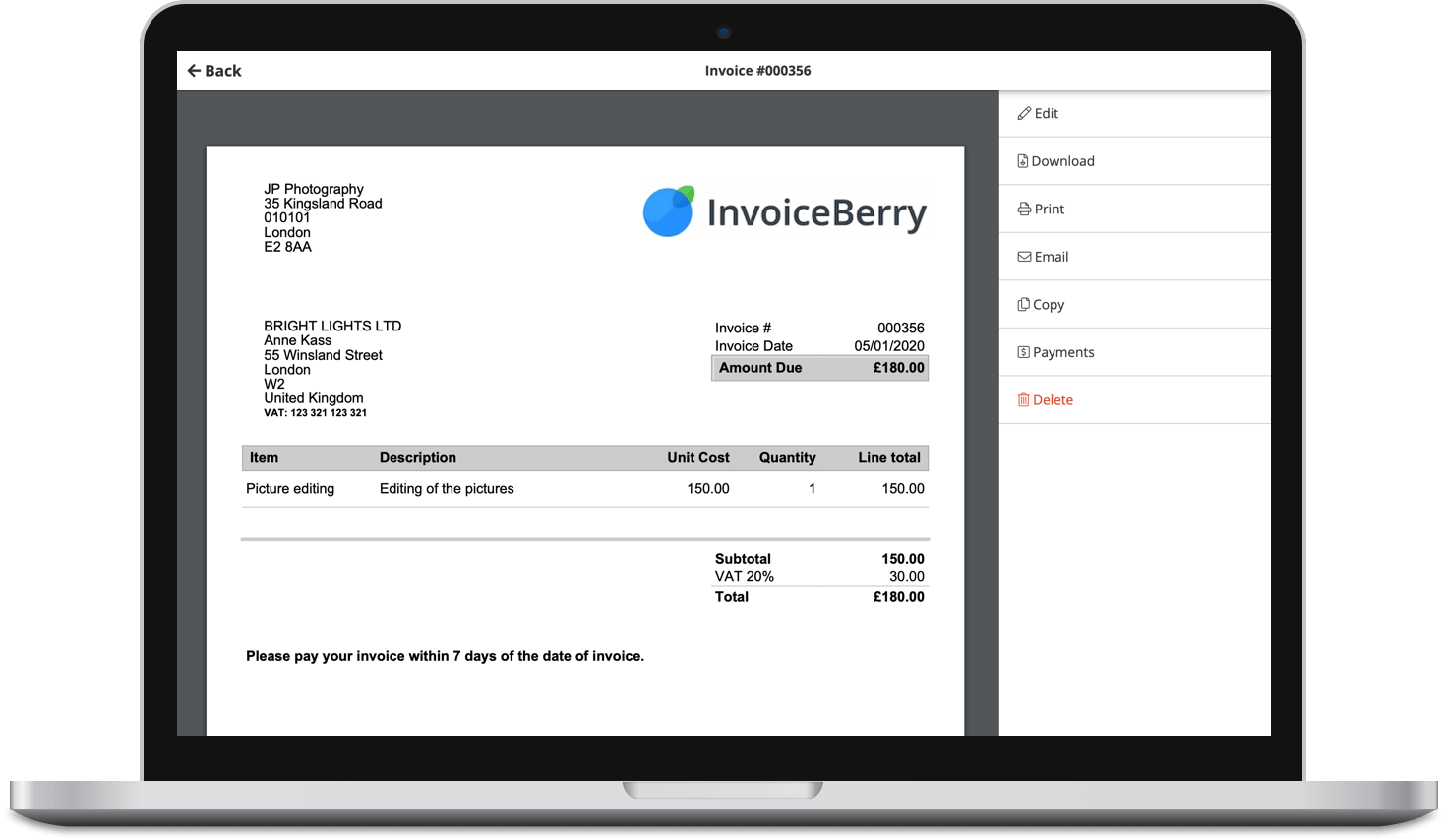
Accept online payments with ease
Keep track of who's paid you
Start sending invoices
The bigger issue is not only the bill. It is the hidden drag that comes with too many tools: duplicate data, scattered information, more logins, more admin, and a team that uses every system differently. That scattered data problem gets easier to solve than it sounds, teams can automate financial reporting and analytics in Claude to pull numbers from several of those tools into one place without adding yet another subscription to the stack. For a small business, complexity is expensive.
A better approach is to build a stack around a few core jobs, keep overlap to a minimum, and upgrade only when a tool is clearly saving time or helping you collect revenue faster. That does not mean running the business on duct tape. It means being selective.
Start with jobs, not apps
Before comparing vendors or hunting for discounts, map the actual work your business needs software to support. Most small businesses can cover the basics with a short list:
- getting paid
- tracking money in and out
- communicating with clients and team members
- storing files and documents
- managing work and deadlines
- capturing leads or customer information
That list sounds obvious, but it changes how you buy. If you start with apps, you will shop by feature and get drawn into premium plans. If you start with jobs, you can ask a more useful question: what is the simplest setup that handles this reliably?
A solo consultant, for example, may not need a full CRM, a separate proposal tool, and a project platform. They may need one place to track leads, one way to send professional invoices, a calendar, cloud storage, and a lightweight task manager. On the other hand, a five-person service business with repeat clients may need stronger handoffs, shared inboxes, and clearer internal workflows.
The right stack depends less on company size than on operational complexity. For businesses focused on growth, working with a link building agency can also complement the stack by driving consistent inbound traffic from search. A two-person firm with lots of active client work can need better systems than a ten-person business with a steady, simple workflow.
Set a budget rule before you start buying
Software spending gets out of hand when there is no rule for what counts as reasonable. Give yourself one.
For most small businesses, a healthy starting point is to treat software as a controlled operating expense, not an open-ended fix for every workflow annoyance. That means two things.
First, every paid tool should have a clear owner and purpose. If nobody can explain why the business pays for it, or who uses it weekly, it is a candidate for removal.
Second, new subscriptions should earn their place. A paid app should do at least one of the following: reduce manual admin, improve cash flow, lower the chance of costly errors, or help the team serve customers without adding headcount. Marketing tools should meet the same standard, and attribution software can help small businesses identify which campaigns actually generate leads and revenue before adding more subscriptions.
That may sound strict, but it prevents a common pattern: paying for convenience features that save a few clicks while introducing another monthly charge and another place where business data lives.
Build around your financial core first
If your stack is lean everywhere else but messy around billing and bookkeeping, you will still feel the pain. That is why invoicing and accounting should be the center of the setup.
For many small businesses, this is where overspending starts. They buy a general business platform, then add a separate invoicing tool because invoices look better, then add another payment app because checkout is easier, then export everything into accounting software development by hand. The result is not flexibility. It is rework.
A more sensible setup starts with these questions: how do we create invoices, how do customers pay, where do those payments get recorded, and how do expenses and reports get reconciled at month end?
If one tool can handle invoicing, recurring billing, payment reminders, and basic client records well, that is already a strong foundation. If it also connects cleanly to your bookkeeping process, even better. The goal is not to squeeze every task into one app. It is to reduce duplicate entry.
Here is where small businesses often make a good decision: they pay for a solid invoicing or accounting tool earlier than they pay for many other categories. A reliable billing system tends to pay for itself faster than an extra collaboration app because it affects speed to invoice, follow-up discipline, and how easily customers can pay.
A hypothetical example makes this clearer. Imagine a freelance design studio using spreadsheets for quotes, PDFs for invoices, and manual bank checks to confirm payments. Nothing is broken, but billing happens late and follow-ups slip. Moving to a dedicated invoicing system may cost money each month, yet it can shorten the gap between finished work and collected cash. That is often a better spend than a premium project management suite with dozens of features the studio will barely touch.
Use free tiers carefully, not blindly
Free plans can be genuinely useful, especially for newer businesses. The mistake is assuming free always means cheaper.
A free tool is a good fit when it handles a non-critical function, has sensible limits, and will not create a painful migration later. Basic scheduling, simple task tracking, note-taking, and internal documentation often fall into this category.
A free tool is a bad fit when the limits interfere with revenue operations or financial control. If a free plan restricts invoice volume, removes reminders, blocks multi-user access, or makes exports difficult, the cost may show up elsewhere. You save on the subscription and pay in admin time.
There is also a difference between a free tier and a temporary free phase. Early on, it is fine to use a no-cost plan while volume is low. Just be honest about the trigger for upgrading. Maybe it is when a second team member needs access, when manual reconciliation exceeds an hour a week, or when you need custom invoice templates. Without a trigger, businesses tend to drift into the most expensive way to operate: outgrowing the free plan but delaying the move for months.
Bundle where it reduces overlap
One of the easiest ways to control spend is to choose tools that cover adjacent needs well enough.
Email and calendar are the clearest example. File storage and document collaboration often make sense under the same umbrella, especially when platforms also include tools like a PDF to OCR converter for turning scanned documents such as contracts, invoices, or receipts into editable and searchable text. This helps reduce the need for separate tools and keeps all document-related work in one place. Team chat may be bundled with meetings. A website platform may include forms, light CRM functions, and appointment booking. None of these bundled features have to be best in class. They just need to be good enough for the stage of business you are in.
This is where founders and operators can get tripped up. They compare every feature against the market leader in that category and end up assembling a stack of specialists. Specialists are useful when the business truly needs depth. For many small businesses, though, breadth matters more than perfection. AI app builders follow the same principle by combining forms, databases, and internal workflows into a single application, helping businesses reduce the number of separate tools they need to manage.
A simple rule helps: if a bundled feature covers 80 percent of what you need and the remaining 20 percent is not tied to revenue or compliance, stay bundled. This also applies to marketing tools, where evergreen content scheduling can reduce the need for multiple overlapping platforms by reusing high-performing content efficiently.
Pick categories in the right order
The order matters because it prevents you from polishing the edges before the center is stable.
- Money in: invoicing, payments, recurring billing, quotes if needed.
- Money out and records: bookkeeping, receipt capture, expense tracking, payroll support where relevant.
- Communication and files: email, calendar, cloud storage, shared documents.
- Work management: tasks, deadlines, project visibility.
- Customer tracking: lightweight CRM or pipeline management.
- Automation and add-ons: integrations, scheduling, e-signatures, forms, advanced reporting.
When sharing documents with clients or publishing content, it’s also useful to verify originality and AI usage using tools like a plagiarism checker or AI checker.
A lot of businesses reverse this. They spend weeks testing project tools, while invoices are still being built manually and expense records are scattered across inboxes and bank statements. It is understandable because collaboration tools are visible every day, while financial friction tends to pile up quietly until month end.
If you get the money layer right first, the rest of the stack becomes easier to judge. You can then ask whether a new tool supports the business or simply adds another subscription.
Watch for overlap between categories
Software vendors increasingly expand into neighboring functions. That can be helpful, but it also creates duplicate spend.
A project platform may include time tracking. Your invoicing tool may also include time tracking. Your accounting system may offer expense capture, while a separate receipt app does the same thing. A CRM might include proposal workflows, while your billing tool already manages estimates.
None of this is inherently bad. The problem is paying twice for features that only one team member uses, or maintaining two records of the same information.
A quick audit question is often enough: where is the system of record for this activity? If you cannot answer that clearly, you probably have overlap.
Take client information as an example. If contact details live in your email platform, CRM, invoicing system, and project tool, updates will get missed. Pick one source of truth for customer records and let the other tools pull from it when possible.
The same goes for invoices and payments. If finance reports come from one tool, but invoice status gets tracked manually somewhere else, someone will eventually trust the wrong number.
Buy for the next stage, not the distant future
Small businesses often get sold on software designed for problems they do not have yet. Approval chains, territory management, complex dashboards, multi-entity accounting, advanced forecasting, custom permissions by department. These are real needs, just not early needs for most firms.
There is a sensible middle ground between underbuying and overbuying. Choose tools that can handle the next one or two growth steps without assuming you need enterprise-grade infrastructure now.
For a business with one owner and one administrator, that might mean choosing software with room for a few users, recurring invoices, basic reporting, and integrations with your bank or accounting workflow. You do not need an elaborate setup just because you hope to hire a team later.
This is one reason annual contracts deserve care. A discount can be attractive, but locking into a bloated tool to save a percentage on the price rarely works out well. Monthly plans are often worth the flexibility when you are still refining your processes.
Keep implementation boring
A cheap tool that is configured badly can cost more than a pricier one set up properly. The setup does not need to be elaborate, but it should be intentional.
Name conventions matter. Folder structures matter. Invoice numbering matters. User permissions matter. Even something as small as agreeing on where signed client documents live can prevent hours of searching later.
When you add a tool, define three things right away: who owns it, what process it supports, and what success looks like after 30 days. Success might be that every invoice goes out within 24 hours of work completion, that all receipts are captured in one place, or that no client files sit in personal drives.
This is also the stage where many businesses over-automate. If a workflow only happens twice a month, it may not need a paid automation platform at all. Manual is not a dirty word when the volume is low and the process is clear.
A good test is frequency multiplied by friction. If a repetitive task happens often enough and causes mistakes or delays, automate it. If it happens occasionally and takes two minutes, keep it manual for now.
Review the stack twice a year
Software sprawl usually builds quietly. That is why a simple review cadence helps.
Twice a year, look at every tool and ask:
- Is this still used regularly?
- Does it solve a real problem today, not six months ago?
- Does another tool already cover most of this job?
- Would losing it create operational pain, or just mild inconvenience?
This kind of review is especially useful after a business change. Maybe you stopped offering a service line, hired an outside bookkeeper, or shifted from project work to retainers. Your stack should reflect the business you run now, not the version you were planning around last year.
It is also worth checking how many paid seats are active. A surprising amount of software waste comes from dormant users, old contractors, and upgraded plans that nobody revisits.
A lean stack still needs a few non-negotiables
Cutting software costs should not come at the expense of control. A lean stack is not the same thing as a fragile one.
There are a few basics worth protecting even when budgets are tight: secure access, regular backups where relevant, clear financial records, and dependable invoice workflows. If a cheaper setup makes it harder to know what customers owe, what expenses were recorded, or who has access to sensitive documents, it is not really cheaper.
For businesses that regularly share contracts, client records, or financial paperwork, a secure redaction integration in the document workflow is worth the same protection — it permanently removes confidential details before files leave the business, rather than just covering them up.
This is another reason the finance layer deserves extra attention. Strong invoicing and bookkeeping habits reduce confusion everywhere else. They help with cash flow, tax prep, reporting, and basic decision-making. You do not need a huge stack to get those benefits. You need a clean one.
The best stack is usually smaller than you think
When small business owners talk about building a tech stack, it can sound like an exercise in assembling the perfect toolkit. In practice, the better outcome is often more modest. You want a handful of dependable systems, each with a clear role, and as little duplication as possible.
That might mean paying for a good invoicing platform, a bookkeeping tool, a shared email and file suite, and one work management app. It might mean using free tiers for scheduling, forms, or internal notes until the need becomes real. It might mean saying no to software that is impressive in a demo but vague in day-to-day value.
A lean stack does not make the business feel smaller. It usually makes the business feel more controlled. Bills are easier to justify, processes are easier to follow, and the team spends less time hopping between tools that only partly overlap.
That is the real savings: not only a lower monthly software bill, but a cleaner operation around the work that matters most.